

Sync your bookings and vacations to Google Calendar or Outlook
Connect your own Google or Outlook calendar and see your Teamdeck bookings and approved vacations next to your other events.
On this page
Personal integrations copy your Teamdeck bookings and approved vacations into your own Google Calendar or Outlook calendar, and keep them up to date when they change. You see your assignments and time off in one place.
Before you start
- Your organization needs a paid plan. On the free plan, the page is disabled.
- You need a Google or Microsoft account with a calendar.
- Each person connects their own calendar. Owners and managers do not need to do anything.
Connect your calendar
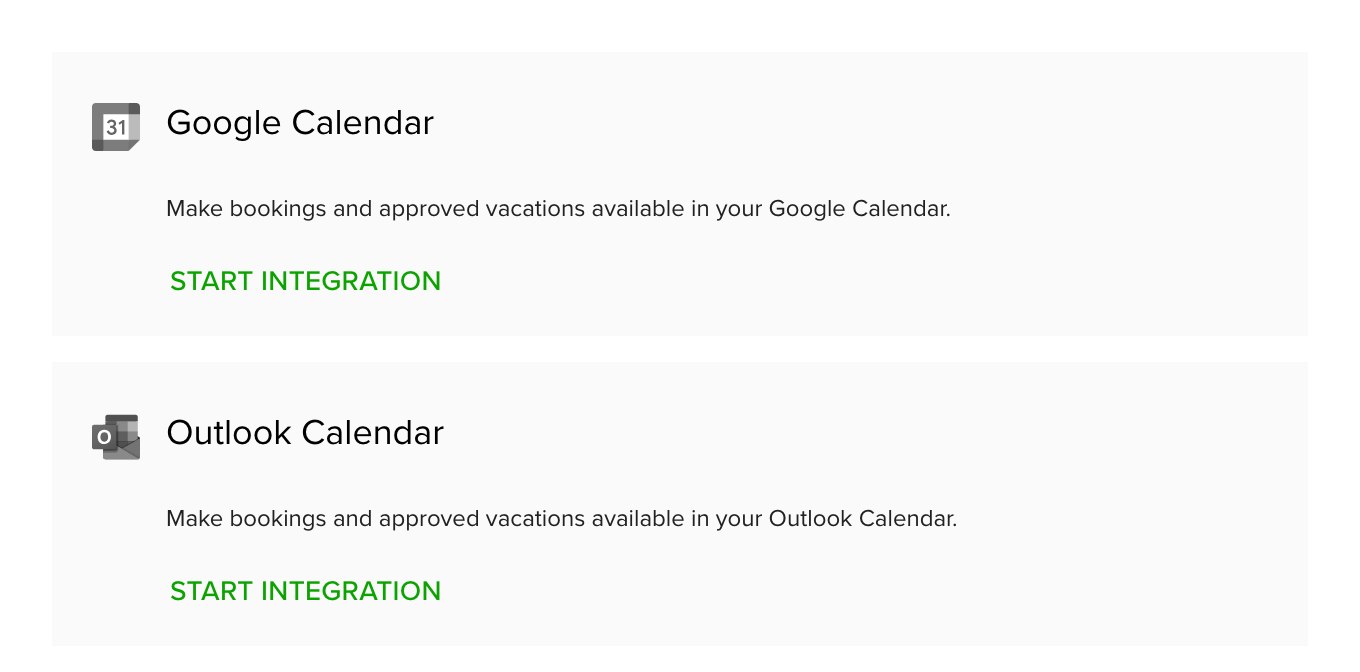
- Go to Settings and open Personal integrations.
- Under Google Calendar or Outlook Calendar, click Start integration.
- Sign in with your Google or Microsoft account and allow Teamdeck to access your calendar.
- Choose what to send: switch Bookings and Vacations on or off.
- Click Save.
Teamdeck runs a first sync and then adds, updates and removes events whenever your bookings or vacations change.
What you see in your calendar
- Bookings appear as all-day events with the hours per day and the project name.
- Approved vacations appear as out-of-office events with the vacation type and hours per day.
- Events say they were created by Teamdeck.
Pending vacation requests are not sent until they are approved.
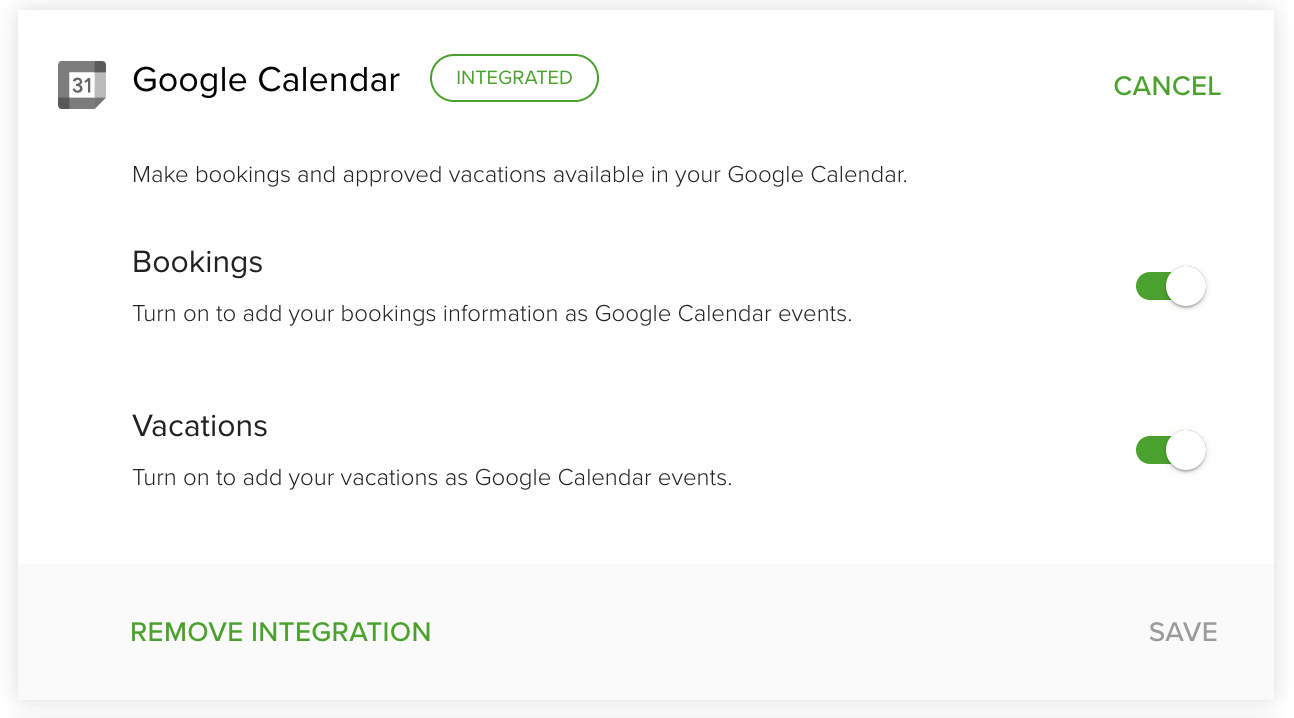
Outlook Calendar works the same way, with the same two switches.
Change or remove the integration
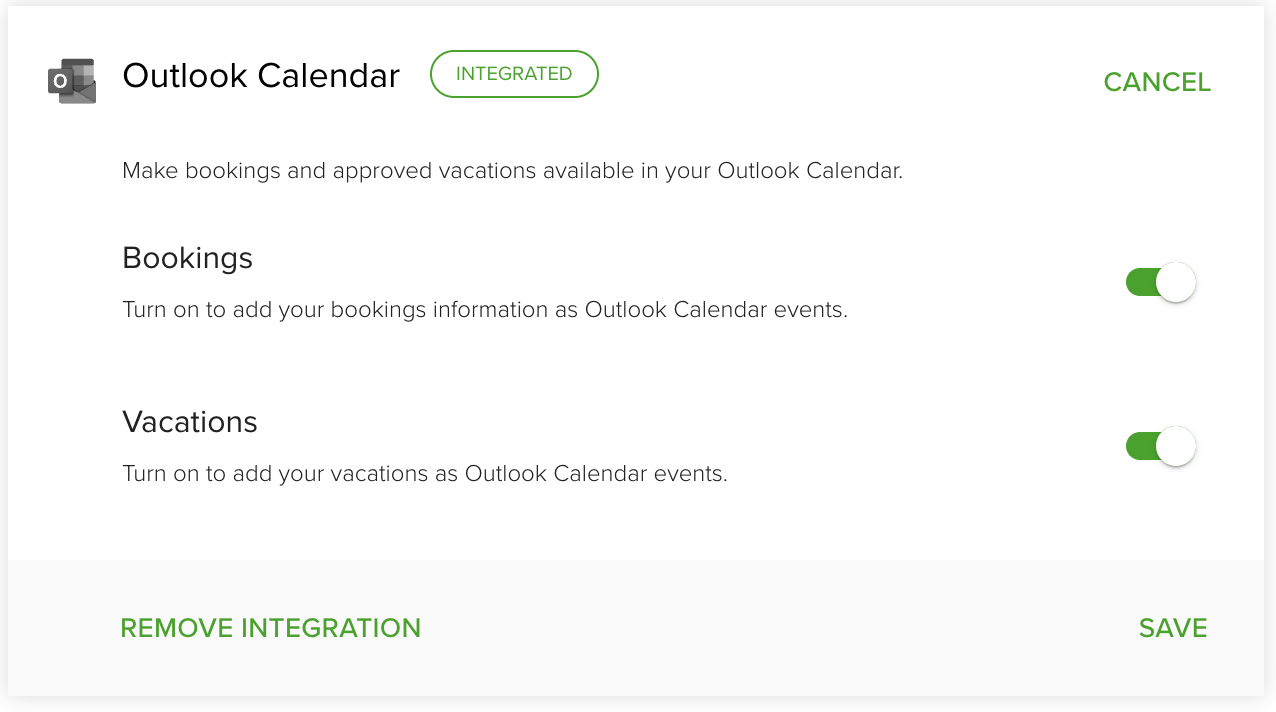
- To change what is sent, open the card, switch Bookings or Vacations, and click Save.
- To disconnect, open the card and click Remove integration, then confirm.
Tips
- Sync works one way, from Teamdeck to your calendar. If you change or delete an event in your calendar, Teamdeck does not pick it up. Make changes in Teamdeck.
- Bookings are shown as free time in Google Calendar, and vacations as busy.
Troubleshooting
- The card says something went wrong and asks you to recreate the integration. Remove the integration, then start it again.
- The page shows as not available. Your organization is on a plan without personal integrations. Ask an Owner about upgrading.